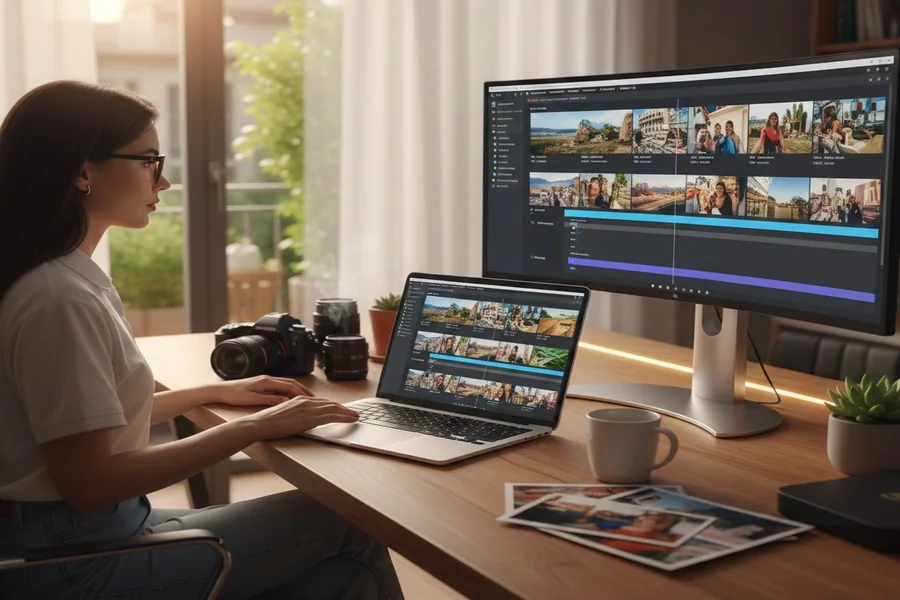
Creating videos used to mean installing heavy software, learning complex timelines, and spending hours tweaking small details. These days, that barrier is much lower. With the right browser-based tools and a bit of planning, it’s possible to turn a set of images into clean, professional-looking videos without downloading anything at all.
Many people assume that “browser-only” automatically means low quality. In practice, the result depends less on the tool and more on how thoughtfully the images are prepared and arranged. When done right, browser-created videos can look polished enough for social media, presentations, and simple marketing use cases.
What “Professional” Really Means for Image-Based Videos
A professional video doesn’t need flashy effects or complicated edits. In most cases, it comes down to clarity and consistency. The images should follow a logical order, transitions should feel smooth rather than distracting, and the pacing should give viewers enough time to understand what they’re seeing.
Professional also means restraint. Overusing animations, filters, or text often makes a video feel rushed or amateur. Clean visuals, steady timing, and a clear message usually leave a stronger impression than heavy editing.
How Browser-Based Image-to-Video Creation Works
Most browser tools follow a similar process. You upload your images, arrange them into a sequence, adjust how long each image stays on screen, and apply basic transitions or motion. Some tools automate parts of this process, while others give you manual control.
The key difference from traditional software is simplicity. Instead of timelines packed with layers, browser tools focus on essential actions. This makes them approachable for beginners, but also means you have to be intentional with your choices because you don’t have endless editing options to fix mistakes later.
Preparing Your Images for Better Results
The quality of the final video is strongly influenced by the images you start with. Consistent resolution and aspect ratio make a big difference. Mixing portrait and landscape images without a plan often leads to awkward cropping or empty spaces in the video.
It also helps to think in terms of story, even for simple videos.
Images should follow a clear progression, whether that’s explaining a process, showcasing features, or walking viewers through a sequence of ideas. This is also where ai image to video workflows are often used, as they help streamline the process, but still rely on clear image sequencing and visual storytelling to produce strong results.
Turning Images into a Video: A Practical Workflow
A simple workflow usually works best. Upload the images, arrange them in the intended order, and preview how they flow together. Adjust the timing so each image stays on screen long enough to be understood, but not so long that the video feels slow.
When adding transitions, subtlety matters. Basic fades or gentle motion often look more professional than bold effects. Preview the entire video before exporting and make small adjustments rather than relying on default settings.
Enhancing the Video Without Overdoing It
Small enhancements can improve clarity when used carefully. Light background music can add mood, but it shouldn’t overpower the visuals. Text can help explain what’s happening, but only when it adds real value. The goal is support, not distraction. If an effect draws attention to itself instead of the message, it’s usually better left out.
Where Browser-Based Image Videos Work Best
These videos are well suited for social media posts, simple product explanations, educational summaries, and internal presentations. They’re also useful for testing ideas quickly before committing to more complex production.
For example, a creator might turn blog images into a short video to see how an audience responds, or a small business might create a quick visual update without hiring an editor. In these situations, browser tools provide a good balance between speed and quality.
Browser Tools vs Traditional Editing Software
Traditional editing software still has its place, especially for complex projects. However, not every video needs that level of control.
Browser-based tools shine when the goal is to communicate clearly and efficiently rather than produce cinematic effects.
Knowing when “good and clear” is better than “perfect but slow” is an important skill, especially for content created regularly.
Common Mistakes to Avoid
One common mistake is trying to replicate advanced editing techniques in a browser tool. This often leads to cluttered visuals and unnecessary complexity. Another is relying entirely on automation without reviewing the result.
Automated timing and transitions are helpful, but they’re not always ideal.
Taking a few minutes to review and adjust usually makes a noticeable difference in quality.
Is Browser-Based Video Creation Worth It?
For many use cases, yes. When the focus is on clarity, speed, and accessibility, creating videos from images directly in your browser is a practical and efficient approach. It lowers the technical barrier and allows more people to turn ideas into visual content.
It’s not a replacement for every type of video editing, but it doesn’t need to be. Used thoughtfully, it’s a reliable way to create professional-looking videos without unnecessary complexity.
Final Verdicts
Professional videos aren’t defined by the tools used to create them. They’re defined by structure, pacing, and intention. Browser-based image-to-video creation works best when it’s treated as a storytelling process rather than a shortcut. With careful image selection and a simple, disciplined approach, creating polished videos directly from your browser is not only possible—it’s often the most sensible option.