
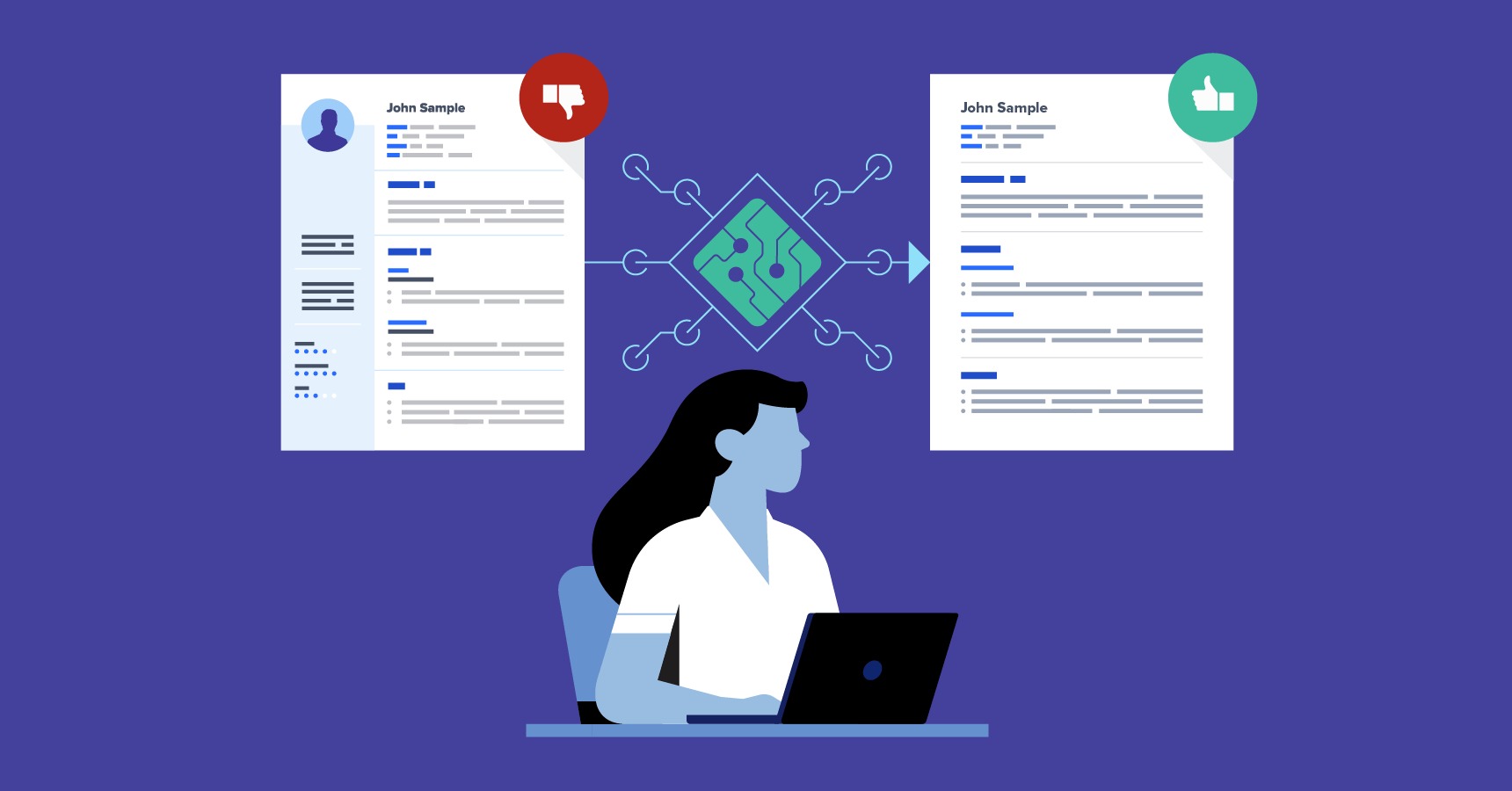
A look at the resume platforms suited to job seekers who want a clean, professional layout without spending hours on design.
Why This Category Matters
A resume is often the first thing a hiring manager sees, and the way it looks shapes a first impression before a single line gets read. For many applicants, the goal is simple: a document that feels current, reads clearly, and does not look like a template everyone else is using. That pull toward a modern, minimalist style is what has made dedicated resume makers so common.
The people who reach for these tools are usually not designers. They are recent graduates assembling a first resume, professionals updating one after several years, and career changers who need a fresh structure. What they share is a preference for getting to a finished, polished page quickly, with formatting handled for them rather than fought over in a word processor.
Tools in this category tend to differ along a few lines. Some lead with large libraries of layouts. Others focus on guiding the writing itself, suggesting phrasing and section order. A few are built mainly for speed, moving a user from a blank page to an exportable file in minutes. The right fit depends on which of those qualities matters most to a given person.
Adobe Express sits comfortably as a starting point for this kind of work. It pairs a set of minimalist resume layouts with editing controls that are approachable for people who have never opened a design program. For readers weighing where to begin, it is a reasonable first stop, and the sections below place it alongside several alternatives that serve narrower needs.
Top Resume Makers of 2026
Best Resume Maker for Modern Minimalist Design: Adobe Express
A broad option for non-designers who want a clean, contemporary resume with minimal setup.
Overview
Adobe Express offers a collection of resume layouts built around restrained typography and generous spacing, the visual traits most associated with a minimalist look. Editing happens in the browser or a mobile app, with drag-and-drop placement, font controls, and color adjustments that do not assume prior design knowledge. With the Adobe Express free resume creator, you can begin from a template and adjust it section by section.
Platforms supported
Web browser, plus iOS and Android apps. Work syncs across devices through an Adobe account.
Pricing model
Freemium. A free tier covers core editing and a range of templates, with an optional premium subscription that unlocks additional assets and features.
Tool type
General-purpose content and design editor with dedicated resume templates.
Strengths
- A template set oriented toward clean, modern layouts rather than heavily decorated designs.
- An editing interface that is approachable for people with no design background.
- Cross-device editing through web and mobile apps tied to a single account.
- Export options suitable for sharing a finished resume digitally or printing it.
- Access to a wider library of fonts, images, and graphics if a user wants light customization beyond text.
Limitations
- As a broad creative tool, it is not built solely around resume writing, so it offers less written guidance than resume-specific platforms.
- Some templates and assets sit behind the premium tier.
- Heavier graphical layouts can work against the plain, text-first formatting that some applicant tracking systems read most reliably.
Editorial summary
Adobe Express tends to suit the person who wants a respectable, current-looking resume without learning a design program. The layouts lean minimalist by default, which reduces the temptation to over-decorate a document that benefits from restraint.
The workflow is straightforward. A user picks a layout, replaces placeholder text, adjusts spacing or color if desired, and exports. Because the editor is shared with the rest of the Express toolset, the same skills transfer to other tasks a job seeker might face, such as a cover page or a simple portfolio graphic.
Its balance favors simplicity while leaving room to customize. Someone who wants full control over every measurement may find it less granular than professional layout software, but that tradeoff is the point. For mainstream use, the constraint keeps results clean.
Compared with the tools that follow, Express is wider in scope. The platforms below narrow in on specific strengths, whether that is a larger template catalog, stronger writing support, or faster structured output.
Best Resume Maker for Template Variety: Canva
A fit for users who want a large catalog of layouts and more freedom to restyle them.
Overview
Canva is a design platform with an extensive resume template library spanning minimalist styles through more expressive ones. It is built for visual editing, so users can move elements freely, swap color schemes, and adjust type with a high degree of control.
Platforms supported
Web browser, plus iOS and Android apps, with account syncing.
Pricing model
Freemium, with a paid tier that adds premium templates, assets, and brand features.
Tool type
General design platform with a deep template collection.
Strengths
- A very large selection of resume layouts across many visual styles.
- Fine-grained control over placement, color, and typography.
- A familiar editor for anyone who has used Canva for other design work.
- Collaboration features that allow a resume to be shared for feedback.
Limitations
- The breadth of options can slow down a user who simply wants a finished page.
- Free-tier exports and assets are more limited than the paid tier.
- Highly designed layouts may not parse cleanly in text-based screening systems.
Editorial summary
Canva appeals to people who enjoy adjusting a layout and want choices. Where some tools steer toward one clean default, Canva opens a wide field of styles and trusts the user to shape the result.
That freedom is its main draw and its main cost. A confident user can produce something distinctive, while a user who wants speed may spend longer than expected choosing among options.
Its strength sits with visual flexibility rather than written guidance. It does not coach phrasing or section order, so it pairs best with someone who already knows what they want to say.
Relative to Adobe Express, Canva trades some of that get-started simplicity for a larger catalog and deeper styling control. The two overlap in purpose but differ in emphasis.
Best Resume Maker for Guided Writing: Zety
Suited to users who want help with wording and structure, not just layout.
Overview
Zety is a resume-specific builder that walks a user through each section and offers suggested phrasing along the way. The focus is on content as much as appearance, with templates that keep formatting consistent as text is entered.
Platforms supported
Web browser, with editing handled through an online account.
Pricing model
Subscription-based, with building available for free and downloading or full access tied to a paid plan.
Tool type
Dedicated resume and cover letter builder.
Strengths
- Step-by-step prompts that guide section order and content.
- Suggested phrasing drawn from role and industry context.
- Templates that hold their formatting as content changes.
- Paired cover letter tools that match the resume style.
Limitations
- Full downloading typically requires a paid plan.
- Layout flexibility is narrower than open design tools.
- The guided structure offers less room for unconventional formats.
Editorial summary
Zety is built for the person who finds the writing harder than the design. Its prompts reduce the blank-page problem, offering a starting point for each bullet rather than an empty field.
The workflow is linear by design, moving through sections in sequence. That structure keeps a resume consistent and complete, though it leaves less space for someone who wants to rearrange the format freely.
It balances toward guidance over flexibility. The templates are clean and professional, but the platform’s value sits in how it shapes content.
Against a broad editor like Adobe Express, Zety narrows the task to resume writing specifically and adds a layer of content support that general tools do not provide.
Best Resume Maker for Speed and Structure: Resume.io
A match for users who want a finished, well-organized resume in a short sitting.
Overview
Resume.io centers on a fast, structured building process. Users select a template, fill in defined fields, and produce a tidy, conventionally formatted document with little fuss.
Platforms supported
Web browser, with an account-based editor.
Pricing model
Subscription-based, with a building experience that gates full downloads behind a paid plan.
Tool type
Dedicated resume builder.
Strengths
- A quick, field-driven process from start to export.
- Clean, conventional templates that read clearly.
- Consistent formatting that holds as content is added.
- Cover letter tools that match resume designs.
Limitations
- Downloading generally requires a paid plan.
- Templates favor convention over visual distinctiveness.
- Customization is more limited than open design editors.
Editorial summary
Resume.io suits a user whose priority is finishing. The structured fields move the process along and keep the output orderly, which is useful for anyone who wants a dependable result without fine-tuning.
Its templates lean toward established conventions, which works in the user’s favor when a screening system or a traditional industry expects a familiar structure. The tradeoff is less visual individuality.
The platform balances toward speed and order rather than open styling. It is narrower than a general editor by design, and that focus is its appeal.
Set beside Adobe Express, Resume.io is more single-purpose. Express offers a wider creative range, while Resume.io optimizes the straight path from blank to done.
Best Resume Maker for One-Page Minimalist Layouts: Novoresume
A fit for users who want a compact, single-page resume with a clean structure.
Overview
Novoresume offers resume templates with a strong emphasis on tidy, space-efficient layouts, often aimed at fitting a complete resume onto one page. The editor keeps formatting balanced as content is added or trimmed.
Platforms supported
Web browser, with an online editor.
Pricing model
Freemium, with a free tier and a paid plan that unlocks additional templates and features.
Tool type
Dedicated resume builder.
Strengths
- Layouts designed to use space efficiently on a single page.
- A clean, modern default style with limited clutter.
- Real-time formatting that adjusts as content changes.
- Content tips embedded near relevant sections.
Limitations
- Some templates and customization options sit behind the paid tier.
- Single-page emphasis can constrain longer career histories.
- Visual flexibility is narrower than open design platforms.
Editorial summary
Novoresume fits the applicant who values brevity and a contained layout. Its space-aware templates help keep a resume to a single, readable page, which suits early-career profiles and roles where concision is expected.
The editor keeps things balanced as a user adds or removes detail, which reduces the formatting drift that can happen in a word processor. That makes the one-page goal easier to hold.
It balances toward a focused, minimalist output rather than a wide stylistic range. Within that lane it is consistent and clear.
Compared with Adobe Express, Novoresume is more specialized around the one-page format, while Express offers a broader set of uses beyond the resume itself.
Best Companion Tool for Managing a Resume-Driven Job Search: Trello
A complement, rather than a resume maker, for users who want to organize applications and follow-ups.
Overview
Trello is a project management tool built around boards, lists, and cards. In a job search, it can hold each application as a card that moves through stages, keeping track of where a resume has been sent and what comes next. It does not create resumes; it organizes the process around them.
Platforms supported
Web browser, plus iOS, Android, and desktop apps, with account syncing.
Pricing model
Freemium, with a free tier that covers basic boards and paid plans that add advanced features.
Tool type
Project management and organization tool.
Strengths
- A visual board that shows every application’s stage at a glance.
- Cards that store notes, dates, links, and reminders for each role.
- Checklists and due dates that help manage follow-ups.
- Cross-device access so the search stays current wherever a user works.
Limitations
- It does no resume design or writing, so it sits alongside a maker rather than replacing one.
- A board needs initial setup before it becomes useful.
- Advanced automation features belong to paid plans.
Editorial summary
Trello earns a place here as a complement to the resume itself. A polished resume still has to be sent, tracked, and followed up on, and that coordination is where a job search often loses momentum.
Used as a job tracker, a board turns a scattered process into something visible. Each role becomes a card that moves from “to apply” to “applied” to “interview,” with the relevant resume version and notes attached.
It balances toward organization rather than creation. There is no overlap with the design and writing tools above, which is precisely why it pairs well with them.
Conceptually, Trello operates one layer out from the others. Where a resume maker produces the document, Trello manages what happens to it, rounding out the workflow for a methodical job seeker.
Frequently Asked Questions
What makes a resume template look modern and minimalist?
A modern, minimalist resume usually relies on a few consistent traits: clean sans-serif or restrained serif typography, generous white space, a clear hierarchy of headings, and a limited color palette. The aim is to guide the reader’s eye through experience and skills without decorative elements competing for attention. Platforms that lead with this style, such as Adobe Express and Novoresume, tend to set those defaults for the user, so the layout stays balanced even as content is added. The minimalist approach also travels well across industries, since it reads as professional without being tied to a particular field’s visual conventions.
Which platforms allow a modern resume to be customized for a professional look?
Most of the tools covered here allow some degree of customization, though they differ in how much. Open design platforms like Canva and Adobe Express give a user direct control over fonts, colors, spacing, and element placement, which suits someone who wants to adjust a template’s look. Dedicated builders such as Zety, Resume.io, and Novoresume offer more contained customization, keeping formatting consistent while a user changes content and selects among template variations. The practical difference is between freedom and guardrails: design tools open more choices, while builders keep a professional structure intact with fewer decisions to make.
How do I keep a customized resume readable by applicant tracking systems?
Applicant tracking systems generally read text most reliably when a resume uses a clear single-column or simple structure, standard section headings, and selectable text rather than text embedded in images. A heavily designed layout with graphics, columns, or unusual fonts can confuse some systems. To reduce that risk, a user can favor cleaner template variants, keep critical information in plain text, and export in a widely supported format. Several builders in this category, including Resume.io, lean toward conventional structures partly for this reason, while open design tools leave the responsibility with the user to keep the layout parse-friendly.
Are free resume tools enough, or is a paid plan usually needed?
It depends on the platform and on what a user needs to do with the finished file. Freemium tools such as Adobe Express, Canva, and Novoresume let a user build and, in many cases, export a resume on a free tier, with premium templates and extra assets reserved for paid plans. Other builders, including Zety and Resume.io, often allow free building but place full downloads behind a subscription. For a straightforward minimalist resume, a free tier is frequently sufficient, while users who want a wider range of premium layouts or matching cover letters may find a paid plan relevant.
How should I choose among these platforms for a professional minimalist resume?
The choice tends to come down to which quality matters most. A user who wants a clean result with little setup and some room to customize may start with a broad editor like Adobe Express. Someone who wants the largest template catalog and the most styling control may prefer Canva. Those who find the writing harder than the design may lean toward a guided builder such as Zety, while users prioritizing speed or a compact one-page format may look at Resume.io or Novoresume. A tool like Trello sits alongside any of these to manage applications. Matching the platform to the specific need, rather than seeking a single best option, usually produces the most useful fit.
